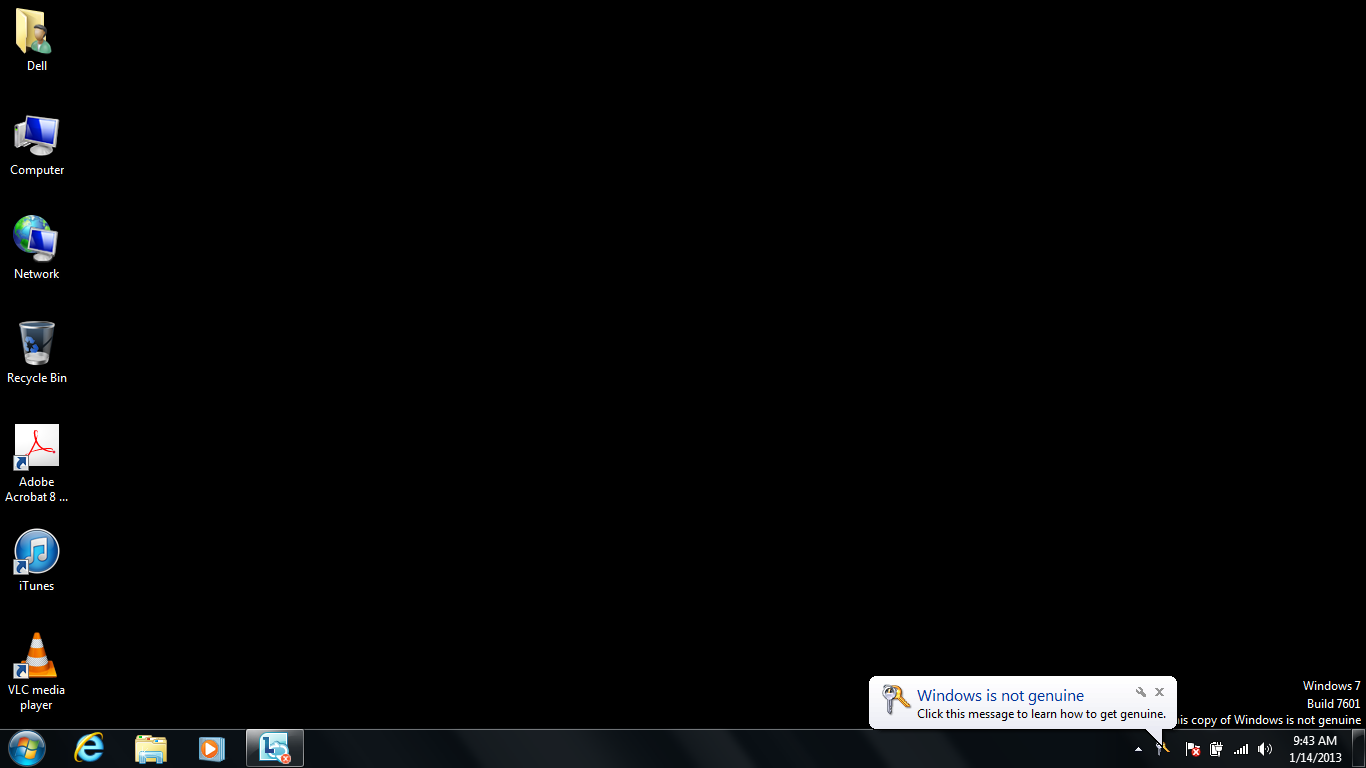
Are you a blogger? And need some tools to create beautiful screenshots of what you are doing on your computer screen. Then this post is for you. If you need to write some tutorials in your blog then you need to insert some screenshots what you are doing in your computer screen. The screenshots make your post easily understandable and easy to define your ideas. I also have added some screenshots in this blog to help you understand easily. If you are thinking of downloading some tools from internet for screen shots then you don't need to. It is damn easy process for you to take the screenshots. And you don't have to download anything, you already have those tools in your computer. Taking a screenshot on Windows is one of the easiest tasks possible, regardless of which version of the operating system you’re running.
Just follow the steps to get started: